
A document scanner is no longer just a luxury for big offices. Whether you’re running a small business, managing personal records, or working from home, a good document scanner can save time, reduce clutter, and keep your files secure and searchable.
From converting paper invoices to digital PDFs to backing up important certificates, a reliable scanner turns messy stacks into organized, searchable documents. In this guide, you’ll learn what to look for in a document scanner, how different types suit different needs, and when to consider professional Document Scanning Services instead of doing it all in-house.
Why You Need a Document Scanner in 2025
Gone are the days when everything had to be printed, signed, and filed in cabinets. Today, digital documents are faster, safer, and easier to share. A document scanner helps you:
Convert paper files into searchable PDFs or images
Reduce physical storage and clutter
Improve document security with backups and access control
Speed up workflows like invoicing, approvals, and archiving
Meet compliance requirements for records retention
Whether you’re a freelancer, a startup, or a large company, digitizing your documents with a good scanner is one of the simplest ways to work smarter.
Types of Document Scanners (and Who Should Use Each)
Not all scanners are the same. Choosing the right type depends on how much you scan and where you work.
Flatbed Scanners
Best for: occasional scanning, photos, fragile documents, books
Place the document face-down on a glass surface
Good quality, but slower for large batches
Ideal for home users, students, and small offices
Sheet-fed Scanners
Best for: offices, high-volume scanning, invoices, receipts
Automatically feed pages one by one
Much faster than flatbed for stacks of paper
Great for businesses that process lots of documents daily
Portable Scanners
Best for: remote workers, field staff, students, travelers
Lightweight, battery-powered, often wireless
Scan documents on the go and save to phone or cloud
Perfect when you need flexibility and mobility
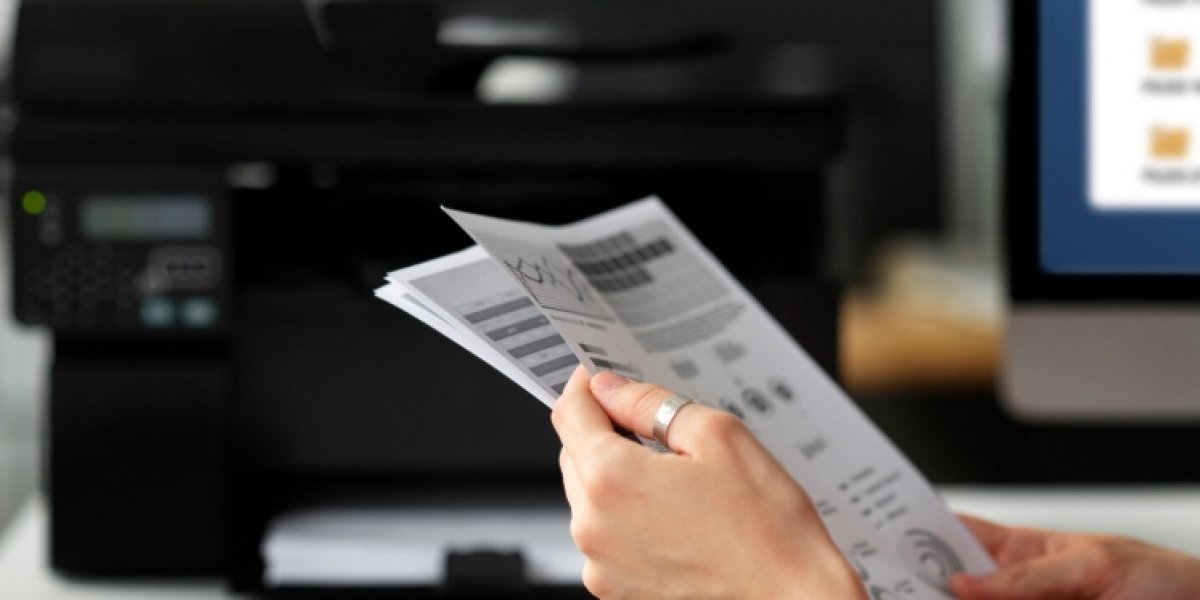
Multi-function Printers (MFPs) with Scanning
Best for: small offices that want all-in-one devices
Combine printing, copying, and scanning in one machine
Convenient but may not be as fast or high-quality as dedicated scanners
Good for general office use where space is limited
If you’re always on the move, Portable Scanners can be a game-changer, letting you scan contracts, receipts, or notes from anywhere and send them directly to your email or cloud storage.
Key Features to Look for in a Document Scanner
When comparing models, focus on features that match your actual use case, not just the price tag.
Scanning speed (pages per minute) – Important if you scan large batches regularly
Resolution (DPI) – 300 DPI is standard for documents; higher for photos or detailed images
Automatic Document Feeder (ADF) – Lets you load multiple pages at once
Duplex scanning – Scans both sides of the page automatically
Connectivity options – USB, Wi-Fi, cloud integration (Google Drive, Dropbox, etc.)
Software and OCR support – Look for built-in OCR that makes scanned text searchable
Paper handling capacity – How many pages the ADF can hold at once
Size and portability – Compact models save desk space; ultra-portable ones fit in a bag
For home users and small businesses, a mid-range sheet-fed scanner with ADF and OCR is usually the sweet spot.
When to Use Document Scanning Services Instead
If you have years of paper files, legal records, or a large archive, doing it all in-house can be slow and error-prone. That’s where professional Document Scanning Services come in.
These services are ideal when:
You have hundreds or thousands of pages to digitize
You need high accuracy and consistent quality
You want barcoding, indexing, and metadata tagging
You need secure handling of sensitive documents (financial, HR, legal)
You lack time, staff, or the right equipment
A good scanning service will:
Organize and prepare your documents
Scan them at high resolution with OCR
Deliver organized digital files in your preferred format
Follow strict security and privacy protocols
For many businesses, outsourcing bulk scanning is faster, cheaper, and more reliable than trying to do it all with a single office scanner.
Simple Tips to Get the Best Results from Your Document Scanner
Even the best scanner won’t help if documents are messy or settings are wrong. Follow these quick tips:
Remove staples, paper clips, and sticky notes before scanning
Flatten folded or crumpled pages for better quality
Save files in searchable PDF format using OCR
Back up scanned files to cloud storage or an external drive
Regularly clean the scanner glass and rollers to avoid streaks
If you’re scanning for compliance or legal purposes, keep a clear audit trail and version history.
Conclusion Make Paperless Work Easy with the Right Document Scanner
A document scanner is more than just a gadget—it’s a tool that helps you work faster, stay organized, and protect important information. Whether you choose a desktop sheet-fed model, a compact flatbed, or a Portable Scanner for on-the-go use, the right device can transform how you handle paperwork.
And if you’re sitting on a mountain of old files, professional Document Scanning Services can help you go digital without the stress.