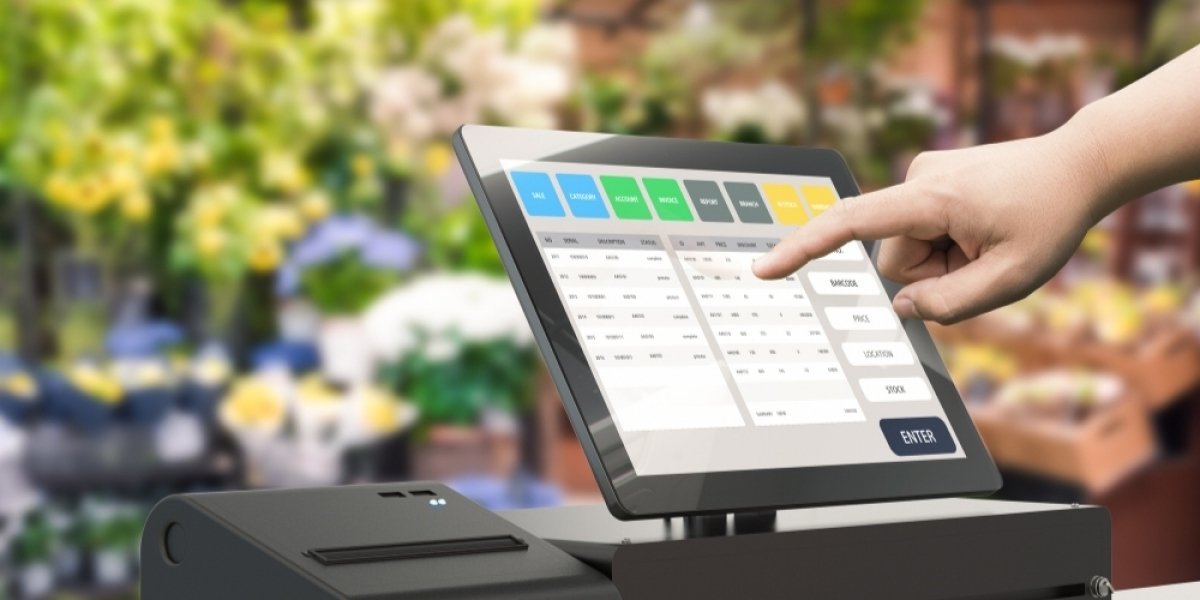
In today’s fast-paced world, managing online orders efficiently is essential for businesses of all sizes. Customers expect quick and accurate service, and any delay or mistake can impact their satisfaction. The Clover Pro Station is a modern point-of-sale system designed to make this process seamless. With its all-in-one setup, businesses can handle orders, payments, and inventory all from a single platform.
The Clover Pro Station is not just about speed; it also simplifies operations for staff. By integrating online orders directly into the system, employees no longer need to manually track every order. This reduces errors and saves valuable time, allowing teams to focus on preparing and delivering products. Its intuitive touchscreen interface ensures that even staff with minimal training can use it effectively, making it a practical solution for both busy restaurants and retail stores.
Setting Up Online Order Integration
Before processing online orders, the Clover Pro Station must be connected to your online sales channels. This integration ensures that every order placed online appears automatically in the POS system. Once connected, notifications alert staff to new orders in real time, which is critical for prompt service. Configuring these settings is straightforward, and once set up, the system provides a smooth workflow that reduces confusion and increases accuracy.
Once orders appear in the system, staff can review all the necessary details, including item names, quantities, customer preferences, and special instructions. Checking these details carefully helps prevent mistakes and ensures that each order is fulfilled correctly. The system also allows employees to track the order’s progress, updating its status from preparation to ready for delivery or pickup. This visibility keeps the entire team coordinated and reduces the risk of delays.
Processing Payments Securely
Payment handling is a key part of managing online orders. The Clover Pro Station automatically updates the order status to “paid” if the customer has completed payment online. For any pending transactions, staff can verify the payment directly in the system. The platform supports multiple payment options such as credit cards, debit cards, and mobile wallets, giving customers flexibility. This integration ensures accurate financial records and makes accounting easier for the business.
Managing Inventory and Stock
One of the advantages of using the Clover Pro Station is its built-in inventory management. Each time an online order is processed, the system updates stock levels automatically. This real-time tracking prevents overselling and helps staff know when to restock items. Accurate inventory data also allows businesses to make informed decisions about promotions or seasonal product availability. Over time, analyzing these records can highlight trends in customer preferences and support better business planning.
Fulfillment and Order Tracking
Once an order is verified and payment is confirmed, it moves into the fulfillment stage. In foodservice settings, this means sending the order to the kitchen, while retail orders may be packaged for shipment or pickup. Staff can update the order’s status at every step, keeping both employees and customers informed. Notifications such as “in preparation,” “ready for pickup,” or “out for delivery” reduce confusion and enhance the customer experience.
Effective communication with customers is also crucial. The Clover Pro Station can send automatic email or SMS updates about order receipt, payment confirmation, and estimated pickup or delivery times. These notifications keep customers informed without requiring extra staff effort. Additionally, the system can generate clear, itemized receipts that include taxes and discounts, helping build trust with customers.
For businesses looking to learn more about the system, the clover pro station page provides detailed information about its features and setup.
Reporting and Analytics
Every online order processed contributes valuable data. The Clover Pro Station provides reports that show sales trends, popular products, and peak order times. These insights help businesses optimize their operations, plan promotions, and adjust staffing levels. By analyzing this data, managers can make informed decisions that improve efficiency and customer satisfaction over time.
Security and Staff Management
Handling online payments requires secure systems. The Clover Pro Station uses encryption to protect payment information and allows managers to control user permissions. Only authorized staff can process payments, issue refunds, or access sensitive data. This ensures that both business and customer information remains secure.
Training staff is essential for maximizing the benefits of the Clover Pro Station. Its interface is designed to be intuitive, but proper guidance ensures employees can process orders accurately and quickly. Well-trained staff reduce mistakes and speed up service, which ultimately results in happier customers and smoother operations.
Conclusion
The Clover Pro Station offers a complete solution for processing online orders efficiently. From integrating e-commerce channels to handling payments, managing inventory, and keeping customers informed, it streamlines the entire workflow. Its reporting tools and security features further enhance its value, helping businesses operate more effectively and maintain high customer satisfaction. By mastering this system, businesses can handle online orders with confidence, speed, and accuracy, ensuring a positive experience for both staff and customers.